Sui Gas Connection Application Status: Track SNGPL & SSGC Demand Notice
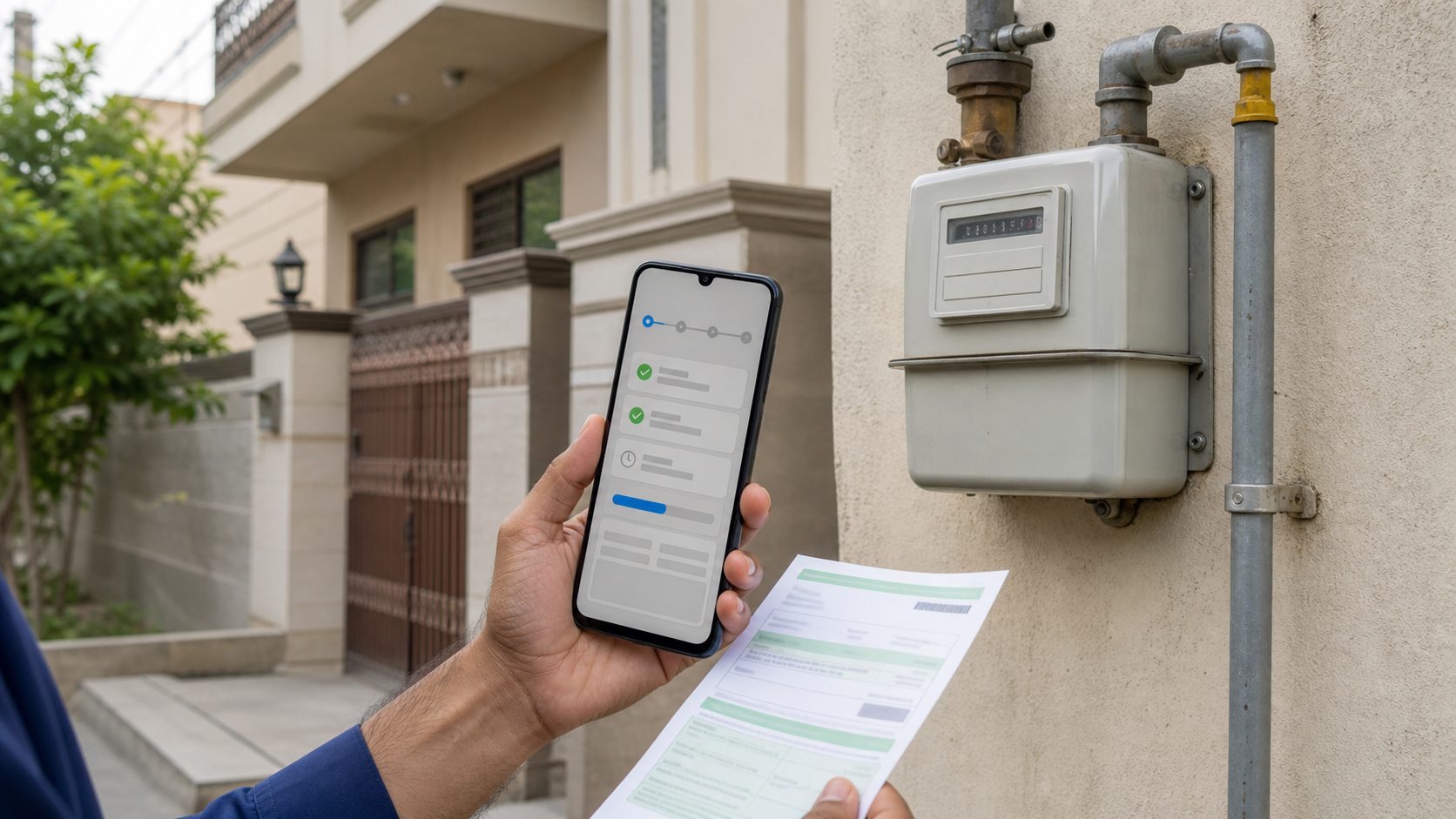
A new gas connection application has a strange emotional life. For the first few days, everyone in the house asks, "Status check kiya?" Then nothing happens for a while, and the reference number starts feeling like a lottery ticket tucked inside a drawer.
The truth is less dramatic, but more useful: a Sui gas connection application does not usually move like a food delivery order. There may be quiet stretches between submission, document checking, survey, demand notice, payment, installation, and the first bill. This guide explains how to track that journey for both SNGPL and SSGC without guessing, calling random numbers, or trusting someone who says they can "push the file" for cash.
Source check
Last checked: July 2, 2026. This article was checked against official SNGPL online RLNG domestic connection and application status pages, SSGC new RLNG domestic connection instructions, and SSGC new connection status information. Company portals and local office practice can change, so your official reference number, acknowledgement, SMS, demand notice, and company record are the final authority for your own application.
Quick Answer
If you applied for a new SNGPL connection, use the official SNGPL application status route or the SNGPL online RLNG domestic connection portal and enter your application reference number. SNGPL's online portal specifically says applicants who have already submitted an application can check status by entering the application reference number.
If you applied with SSGC, keep the acknowledgement copy and watch the mobile number you gave on the form. SSGC's RLNG domestic connection instructions say the application status is updated through SMS or the SSGC Customer Connect App. The same official instructions say that if no SMS is received within one week, applicants may contact info.sales@ssgc.com.pk.
In one line
SNGPL is more reference-number portal based; SSGC leans heavily on acknowledgement, SMS, Customer Connect App, and customer facilitation follow-up.
Before You Check Status, Keep These Things Ready
Status checking becomes painful when the reference is missing, the CNIC is written differently, or the mobile number was entered with one wrong digit. Before opening any official page or visiting a customer facilitation center, gather the basics.
| What to keep | Why it matters |
|---|---|
| Application reference number | The main key for SNGPL online status and the first thing any office will ask for. |
| Acknowledgement copy | Proof that the application was submitted and received. |
| CNIC and mobile number | Used to match the applicant record and receive SMS updates. |
| Submission date and office/zone | Helpful when follow-up is needed after no update. |
| Nearest customer or meter number | SSGC asks for nearby customer or meter information on its application form. |
| Property documents and NOC | Missing or unclear ownership documents can slow or reject the application. |
If you are still at the application stage, read the full new Sui gas connection guide first. This article is for the nervous middle part after applying, when the form is submitted but the meter is not yet there.
How to Check SNGPL Gas Connection Application Status
SNGPL serves Punjab, Khyber Pakhtunkhwa, Islamabad, and parts of northern Pakistan. For new domestic RLNG applications, the official SNGPL online application portal says that applicants who have already submitted an application can check status by entering the application reference number.
- Open the official SNGPL online RLNG domestic connection portal or the SNGPL application status page.
- Enter your application reference number exactly as printed on the acknowledgement or generated during application submission.
- Complete any captcha or verification step shown by the page.
- Read the status carefully. If a demand notice is issued, follow only the official payment instructions.
- Save a screenshot or note the status date, especially if you plan to visit an SNGPL office.
SNGPL note
SNGPL's application instructions mention that the premises must be on the SNGPL gas network and that valid CNIC, mobile number, address, and property documents are required. Wrong or incomplete particulars can lead to cancellation or rejection.
If your application later turns into an active meter account, you can use the SNGPL duplicate bill checker for monthly bills and the gas bill calculator to estimate charges from meter readings.
How to Check SSGC Gas Connection Application Status
SSGC serves Sindh and Balochistan. Its public RLNG domestic connection instructions are more form-and-follow-up oriented than SNGPL's reference-number portal language. SSGC asks applicants to submit the completed application at a Sales Office or Customer Facilitation Center and bring a photocopy for acknowledgement.
For status, SSGC's own instructions say updates are sent through SMS or the SSGC Customer Connect App. The same page says that if no SMS is received within one week, applicants can email info.sales@ssgc.com.pk. SSGC also keeps a public New Connection Status page, but the acknowledgement and company record remain important when you follow up.
For SSGC, keep this close
Application acknowledgement, CNIC, mobile number, address, zone, submission date, and the nearest existing customer or meter number.
Where updates may appear
SMS, SSGC Customer Connect App, SSGC status page, customer facilitation center, or email follow-up if no SMS arrives after one week.
SSGC's official application page also lists several document and declaration requirements, including CNIC copy, property documents, NOC where applicable, nearby customer or meter details, affidavits, and RLNG contract acceptance. That is why a tiny paperwork mistake can create a very long silence.
Common Status Meanings
Official wording can vary by portal, city, and office, but most new gas connection applications pass through a few recognizable stages. Use this table as a plain-English decoder, not as a replacement for the company's record.
| Status or message | What it usually means | What to do next |
|---|---|---|
| Submitted / received | The application is in the system or with the office. | Keep acknowledgement and check again later. |
| Under scrutiny | Documents or applicant details are being checked. | Keep CNIC, property proof, and NOC ready. |
| Survey pending | The company may need field verification at your address. | Make sure the address, phone number, and access are clear. |
| Demand notice issued | The application has reached the official payment stage. | Pay only through official channels and keep the receipt. |
| Payment received | Your demand notice payment has been recorded or is being reconciled. | Keep receipt until installation and first bill are clear. |
| Installation pending | The account is moving toward service line, meter, or commissioning work. | Stay reachable and keep site access available. |
| Rejected / cancelled | The application failed requirements or information was incomplete/incorrect. | Ask for the specific reason before reapplying. |
Demand Notice: Good News, But Not the Finish Line
A demand notice is usually the moment everyone in the house relaxes a little. It means the application has moved to the payment stage. But it does not mean the meter will be installed tomorrow morning, and it does not mean you should hand cash to a private person who promises to make it faster.
Pay the demand notice only through the method printed or officially allowed by the gas company. Keep the challan, receipt, online payment confirmation, and any SMS. If payment later does not appear in the company record, these proofs matter more than memory.
After demand notice payment
Track whether payment is recorded, whether installation is pending, and whether the account details match your address. Once the meter is active, the first bill may still need one billing cycle to appear.
New connections are commonly RLNG-based, so also read why a new RLNG connection bill can cost more. It will save you from comparing your first bill with a relative's old system-gas bill and feeling cheated for the wrong reason.
Survey Pending, Rejected, or No Feasibility
Some applications slow down because the office needs to check the site, pipeline availability, property documents, or locality status. This is where applicants often hear phrases like "survey pending" or "line available nahi hai". Annoying, yes. Meaningless, no.
Common reasons for delay or rejection include:
- gas pipeline is not available in front of or near the premises,
- the address is incomplete, confusing, or different from documents,
- CNIC, mobile number, or applicant details do not match,
- property ownership papers are incomplete,
- society, landlord, or builder NOC is missing where required,
- the form has wrong or incomplete particulars,
- there is litigation, dispute, or unclear possession, or
- the premises does not meet company requirements for a domestic connection.
If the status is rejected or cancelled, do not immediately submit a new form blindly. First ask for the exact reason. A second application with the same missing document or wrong address will simply create another round of waiting.
What If There Is No Update?
Silence does not always mean rejection. New connection work depends on scrutiny, survey load, local office workflow, network availability, material availability, and payment reconciliation. Still, you should not sit completely in the dark.
For SNGPL
Check the official status page with your reference number. If the status does not move for a long time, visit or contact the relevant SNGPL office with acknowledgement, CNIC, and property documents.
For SSGC
Watch for SMS or Customer Connect App updates. SSGC's official application instructions say that if no SMS is received within one week, applicants may email info.sales@ssgc.com.pk.
For both companies
When visiting an office, take copies instead of originals only. Carry originals for verification if needed, but do not leave original property documents behind casually.
If your issue has already become a complaint, use our SNGPL and SSGC complaint online guide. For emergency gas leakage, use the emergency guidance in the Sui gas helpline directory instead of waiting on a normal application route.
Documents and Proof to Keep Until Installation
A gas connection file can feel boring until something goes wrong. Then the boring papers become the whole case. Keep a simple folder on your phone and, if possible, one physical folder at home.
- application reference number or acknowledgement slip,
- CNIC copy of the applicant,
- mobile number used in the application,
- property ownership documents, allotment papers, or rent/landlord NOC where relevant,
- nearby gas customer number or meter number if used in the application,
- screenshots of portal status,
- SMS updates from SNGPL or SSGC,
- demand notice and payment receipt,
- any email sent to or received from the company, and
- meter installation or commissioning evidence after installation.
Once your meter is installed, save the first bill too. If the first bill looks strange, our guides on how to read a gas bill, bill charges explained, and wrong meter reading will help you separate a real issue from a normal new-account charge.
Avoid Middlemen and Fake "Fast Tracking"
New connection anxiety creates a perfect market for unofficial promises. Someone says they know an officer. Someone says the file is stuck. Someone says pay today and the meter will arrive this week. Treat these claims carefully.
A real application moves through official checks: documents, network availability, survey, demand notice, payment, and installation. A private person cannot honestly guarantee approval where the pipeline is not available, documents are incomplete, or the company has not issued a demand notice.
Consumer safety rule
Do not pay cash to anyone for unofficial acceleration. Pay only official charges through official company channels, and keep every receipt until the connection is active and the first bill is settled.
Official References
Useful official source links
- SNGPL online RLNG domestic connection portal - official application and reference-number status route.
- SNGPL application status page - official application status entry point.
- SSGC new RLNG domestic gas connection page - application form requirements, charges, SMS/App status note, and contact email.
- SSGC new connection status page - official SSGC status page for new connections.
Related reading
New Sui Gas Connection Guide
Documents, fees, RLNG application rules, urgent options, and SNGPL/SSGC application basics.
RLNG New Connection Bill
Why a new RLNG connection bill can feel higher than an older system-gas bill.
Sui Gas SMS and Email Alerts
Set up useful bill alerts after your connection becomes active.
Online Payment Guide
What to do after paying a bill or demand notice and how to keep proof.
Frequently Asked Questions
How do I check SNGPL gas connection application status?+
Use the official SNGPL application status page or SNGPL online RLNG domestic connection portal. Enter the application reference number exactly as printed on your acknowledgement or application record.
How does SSGC update new connection status?+
SSGC's official RLNG application instructions say status updates are sent through SMS or the SSGC Customer Connect App. If no SMS is received within one week, the page gives info.sales@ssgc.com.pk for follow-up.
What does demand notice issued mean?+
It usually means the application has reached the official payment stage. Pay only through official channels, keep the receipt, and continue tracking until payment is recorded and installation is scheduled.
Why is my gas connection application pending for so long?+
Common reasons include document scrutiny, survey backlog, pipeline availability, wrong contact details, missing NOC, payment reconciliation, or local office workflow. Check the official status route and follow up with acknowledgement proof.
Should I pay an agent to speed up my Sui gas connection?+
No. Pay only official company charges through official channels. Keep receipts and avoid anyone promising guaranteed approval, demand notice, or meter installation in exchange for private cash.
Shahzaib Qureshi
Shahzaib Qureshi is the public editorial name for SuiGas.com.pk. The site publishes practical, source-backed guides to help Pakistani consumers understand SNGPL and SSGC bills, new connection issues, duplicate bill access, payment options, and common billing problems. SuiGas.com.pk is independent and is not affiliated with SNGPL, SSGC, OGRA, or any government department.