Sui Gas Bill SMS & Email Alerts Guide
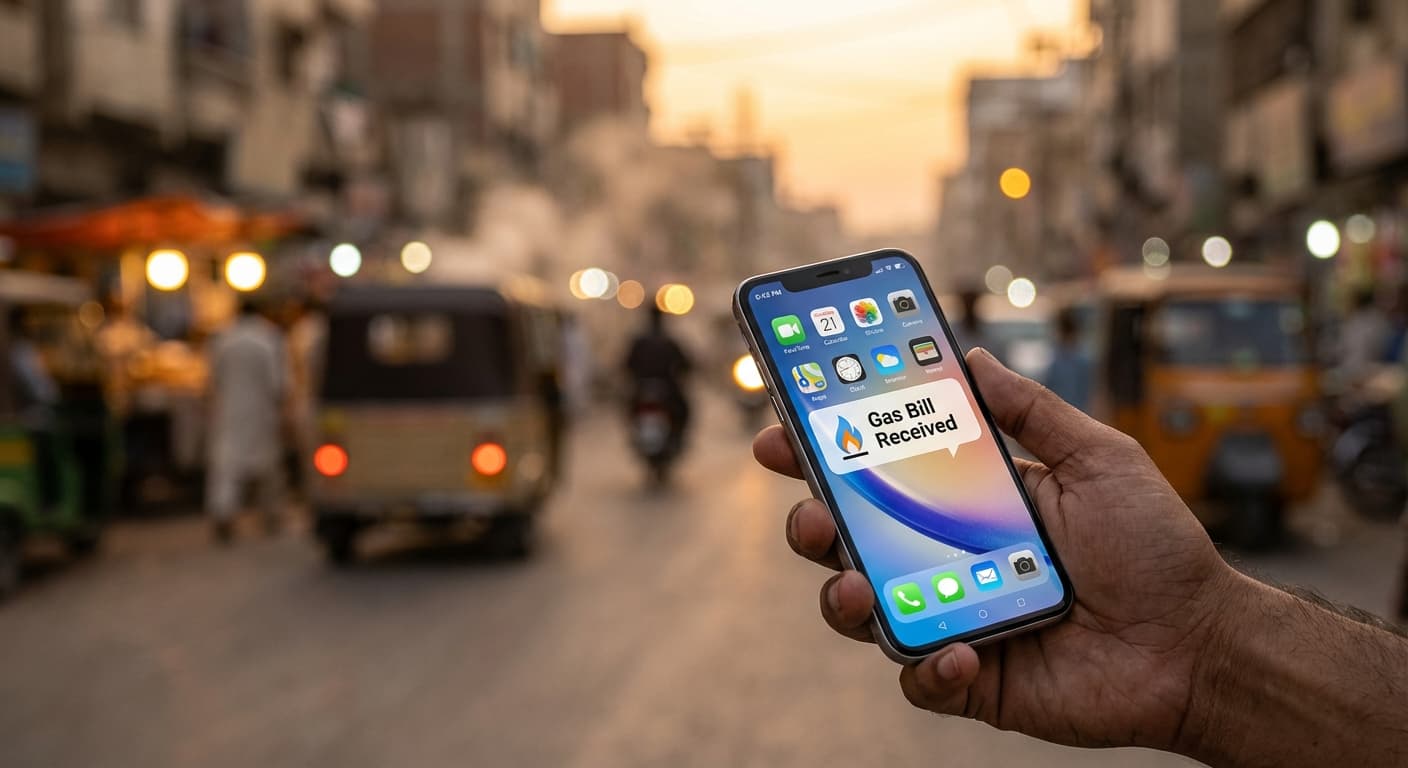
Want to receive your SNGPL or SSGC gas bill updates on your phone or email? If you live in a city like Islamabad, this is one of those small setup steps that can save you from missed bills, late fees, and last-minute payment stress.
You can also check your latest bill anytime using our SNGPL bill checker or SSGC duplicate bill tool.
Source check
Last checked: June 4, 2026. Alert registration links, SMS short codes, and e-bill options can change, so use only official SNGPL or SSGC pages when entering your CNIC, mobile number, or email address.
Quick Summary
- SMS and email alerts help you avoid missed monthly gas bills.
- SNGPL consumers can use the official email bill / SMS alert registration page.
- SSGC consumers can check bill details by SMS and through official online bill services.
- If alerts stop working, first recheck your registered mobile number and email address.
Why Gas Alerts Are Important
Gas bills are easy to miss because the printed copy can arrive late, get misplaced, or sit outside the gate for days. I have seen this happen often in Islamabad during winter, when the bill is already painful and a late surcharge makes it worse.
SMS and email alerts give you a backup reminder. They help you know when a bill is generated, check the amount early, and pay before the due date. For households that split bills between family members or tenants, this simple alert can prevent a lot of confusion.
What Notifications Will You Receive?
The exact alerts depend on your gas company and the service you register for. In general, bill-related alerts may help with:
- Monthly gas bill notifications.
- Payable amount and due-date reminders where supported.
- Online bill checking and duplicate bill access.
- Complaint or account follow-up through official support channels.
- Connection or application follow-up through the official company portal, where available.
To estimate your gas usage before the bill arrives, use our gas bill calculator.
1. SNGPL SMS & Email Registration
Sui Northern Gas Pipelines Limited (SNGPL) serves Islamabad, Punjab, Khyber Pakhtunkhwa, and Azad Jammu & Kashmir. If you are an SNGPL consumer, you can register online:
- Open the official portal: Go to the SNGPL Email Bill / SMS Alert Registration Page.
- Enter Consumer Number: Use the 11-digit Consumer Number from your gas bill.
- Enter CNIC and contact details: Type your CNIC, mobile number, and email address carefully. The form lets you choose Email (Paperless Bill), SMS, or both - select the options you want.
- Submit the form: Save any confirmation message or screenshot for your record.
Small Tip
If SMS alerts do not arrive, check whether your mobile network or phone settings are blocking business or promotional SMS messages.
2. SSGC Bill Alerts, Portal & E-Bill
Sui Southern Gas Company (SSGC) serves Sindh and Balochistan. Some older/public instructions mention SMS bill inquiry, but the safest current route is the official SSGC bill portal and Customer Connect app.
- Open your mobile messaging app.
- Type your 10-digit Customer Number.
- If SSGC currently supports the SMS option in your area, send it to 7742; otherwise use the online bill portal or app.
- Wait for the bill status and amount details.
SSGC also provides an online bill portal at viewbill.ssgc.com.pk and Customer Connect services where you can view your bill and find current e-bill or alert options.
If neither method works, use our SSGC duplicate bill tool to check your bill directly.
Common Issues with SMS & Email Alerts
Not Receiving SMS Alerts
First confirm that your mobile number is correctly registered with your gas company. If the number belongs to an old tenant, previous owner, or family member, alerts may go to the wrong person. Also check whether your SIM blocks business SMS.
Email Alerts Not Working
Check your spam or promotions folder first. If nothing is there, register again with the correct email address and make sure there are no spelling mistakes. A small typo in the email address is enough to stop alerts completely.
Wrong Number Registered
If the bill is still linked to an old number, update your contact details through official company channels. For rented houses, it is better to keep a copy of the bill and consumer number with the person who actually pays the monthly bill.
Bill Alert Arrives Late
SMS and email alerts should be treated as a reminder, not your only source. If your due date is close and no message has arrived, check the bill manually using your consumer number.
How to Update Your Contact Information
If your phone number or email has changed, update it before the next billing cycle. Depending on the company and your area, you may be able to update details through the official website, helpline, or a customer facilitation center.
Keep your consumer number, CNIC, and a recent bill with you when requesting any contact update. For new connection follow-ups, see our complete gas connection guide.
Who Should Subscribe to Gas Alerts?
- Homeowners who manage monthly bills themselves.
- Tenants who want to avoid missing a bill before the due date.
- Families where one person pays bills for parents or relatives.
- People waiting for connection updates who need to keep their contact details current.
- Users with frequent billing issues who need a better paper trail.
Is SMS and Email Alert Service Free?
The official registration service is generally provided without a separate subscription fee. Still, standard SMS or mobile-network charges may depend on your operator, especially if you send a message to a short code such as 7742.
Is It Safe to Share Your Number or Email?
Yes, but only through official SNGPL or SSGC channels. Do not give your consumer number, CNIC, mobile number, or email to random agents who claim they can activate alerts faster. A real registration should not require sharing banking passwords, OTPs, or wallet PINs.
Benefits of E-Billing
- OKEarlier Notice: Check the bill before the printed copy reaches your home.
- OKLess Paper: Keep a digital reminder instead of depending only on paper bills.
- OKBetter Record Keeping: Search your inbox or SMS history when you need past bill details.
- OKFewer Surprises: Useful in winter months when gas usage and bills can rise quickly.
Official references
Related reading
FAQs
How do I register for SNGPL SMS and email alerts?
Open the official SNGPL Email Bill / SMS Alert registration page, enter your 11-digit Consumer Number, mobile number, and email address, then submit the form.
Why am I not receiving gas bill SMS?
Your number may not be registered, may be entered incorrectly, or your phone/network may be blocking business SMS. Recheck the registered details and contact the company if the problem continues.
Can I check my bill if SMS alerts are not working?
Yes. Use your consumer or customer number to check the bill online through the official company site, or use our SNGPL and SSGC bill checker pages.
Is the Sui Gas SMS and email alert service free?
The official registration service is generally provided without a separate subscription fee, but standard SMS or mobile-network charges may depend on your operator.
How do I check my SSGC bill by SMS?
Use the official SSGC bill portal or Customer Connect app first. Some older public instructions mention sending the 10-digit Customer Number to 7742 where available, but verify the current option from SSGC before relying on it.
Is it safe to share my number for gas bill alerts?
Yes, but only through official SNGPL or SSGC channels. Do not share your consumer number, CNIC, mobile number, or email with unofficial agents or any third-party service claiming to activate alerts. A real registration will never ask for OTPs, banking passwords, or wallet PINs.
Do I need my CNIC to register for SNGPL alerts?
Yes. The SNGPL registration form at sngpl.com.pk/registersms.jsp requires your CNIC in addition to your Consumer Number, mobile number, and email address. Have your CNIC and a recent gas bill ready before filling in the form.
Where do I subscribe for SSGC email or SMS alerts?
Visit viewbill.ssgc.com.pk or use SSGC Customer Connect for official bill services. If SSGC currently supports SMS inquiry in your area, follow the current instructions shown by SSGC before sending your Customer Number to any short code.
Shahzaib Qureshi
Shahzaib Qureshi is the public editorial name for SuiGas.com.pk. The site publishes practical, source-backed guides to help Pakistani consumers understand SNGPL and SSGC bills, tariff changes, duplicate bill access, payment options, and common billing issues. SuiGas.com.pk is independent and is not affiliated with SNGPL, SSGC, OGRA, or any government department.